
Sheet templates and your office standard
Five compositions to start from, and how to save your own as the default.
3 min read
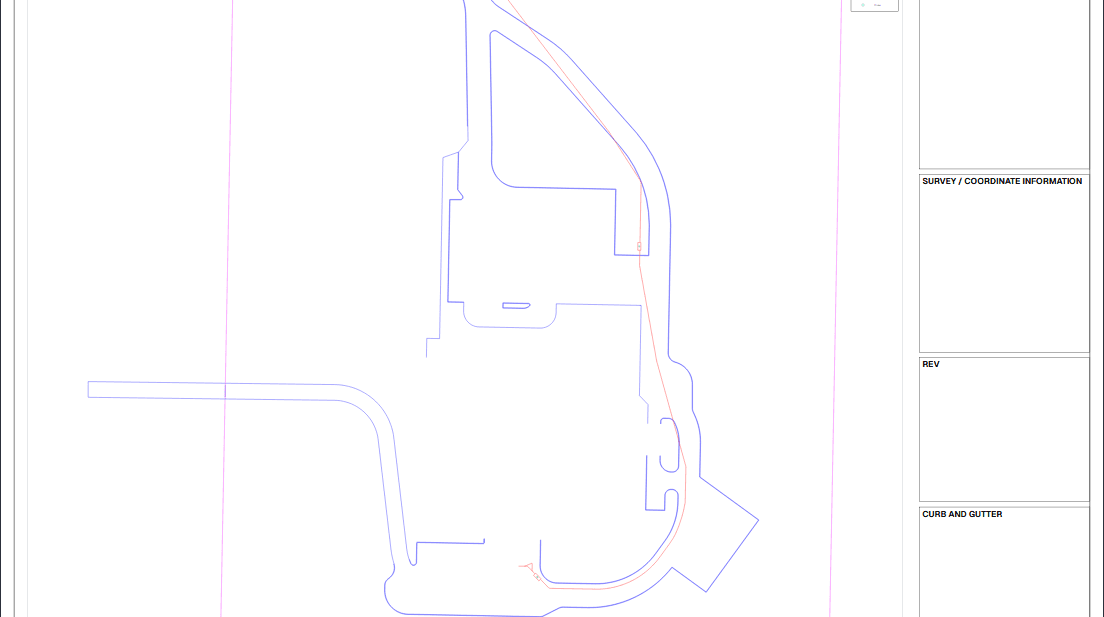
The five compositions
| Template | What it is |
|---|---|
| Classic | The full working sheet: zone grid, notes, coordinate panel, revision table, title block |
| Compact | The same panels smaller, giving the viewport more of the page |
| Minimal | Viewport and one identity strip, a check plot or an exhibit |
| Presentation | Large type and a clean frame, for a wall or a meeting |
| Sidebar | The municipal grading-plan arrangement: a right-hand column of panels |
Each shows a thumbnail drawn from its own real proportions, so the gallery shows what each one is rather than a stock picture.
Saving your own
- Set a sheet up the way your office wants it, template, type sizes, ink, panels, legend, logo.
- Give it a name and save it as a template.
- Star it to make it the design new sheets start from.
Tip
One starred template is the fastest standard you will ever roll out: every new sheet in the organization begins there.
Read next
- Sheets: setting one up and plotting itA sheet at a real scale, with a title block, a legend and your logo: then a PDF you can prove.
- Typography on a sheetFourteen faces, sizes in real millimetres, and a sample of every one as you set it.
- Your logo and a legend on the sheetPut your artwork where you want it, and add a legend that lists only what the drawing uses.
Something here wrong or missing? Tell us and we will fix it.